
For many years, ProLawCLE has been serving the legal community by providing high quality CLE courses. From in-person events to broadcasting from cities all across the country, we have been afforded the opportunity to meet some amazing individuals in the legal field. We have enjoyed getting to know you.
It is with much regret that we announce ProLawCLE is shutting its doors. We thank you for the opportunity to meet you, to serve you, and to make friends along the way.
Are you an annual passholder?
You will still have access to all of our catalog to view when you are ready.
Have you purchased a course within the last 12 months and still need to view it?
You still have access to your course.
Follow These Directions To Access Your Account & View Programs
Annual pass members can now easily add programs and watch them from within one dashboard.
Step 1: Login to your account by clicking here.
Once logged in you will see the 'Catalog' link:
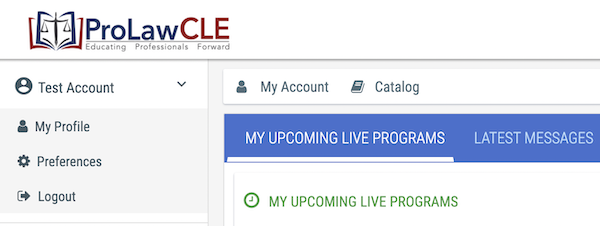
Step 2: After logging into your online account, click the Catalog link at the top. Then click the 'All Programs' link to view all programs available within the catalog:
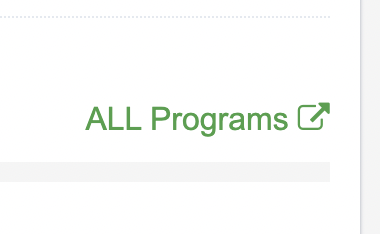
By clicking the All Programs link you will now see all 26 pages of CLE programs you can watch. Use the search feature on the right side bar to search for specific programs.
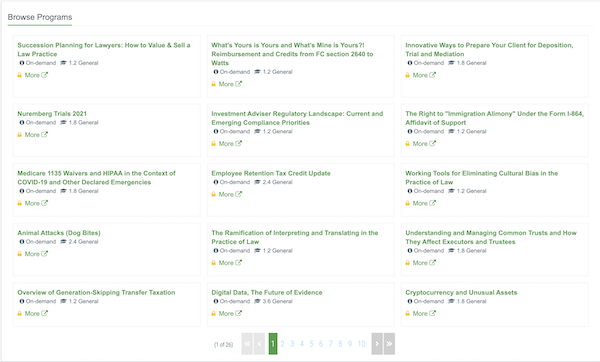
Step 3: Click a program you are interested in. This will bring up the registration page. You will then click 'Add to Cart'.
Step 4: After clicking the Add to Cart button you will then simply just click the 'Place Order' button. This will register you for the program so that CLE credits can be awarded to you after successfully completing the program.
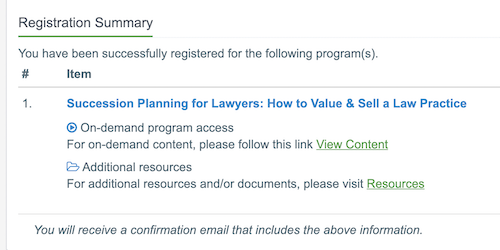
Step 5: After you click the Place Order button, you will see a Registration Summary page. From here you can download any resources that are included with the program. Simply click the "View Content" link to start watching the CLE presentation. Be sure you click the confirmation popups during the presentation to confirm your activity.
If you need support please email us at admin@prolawcle.com.